How to Evaluate Battery Suppliers for Long-Term Software Support
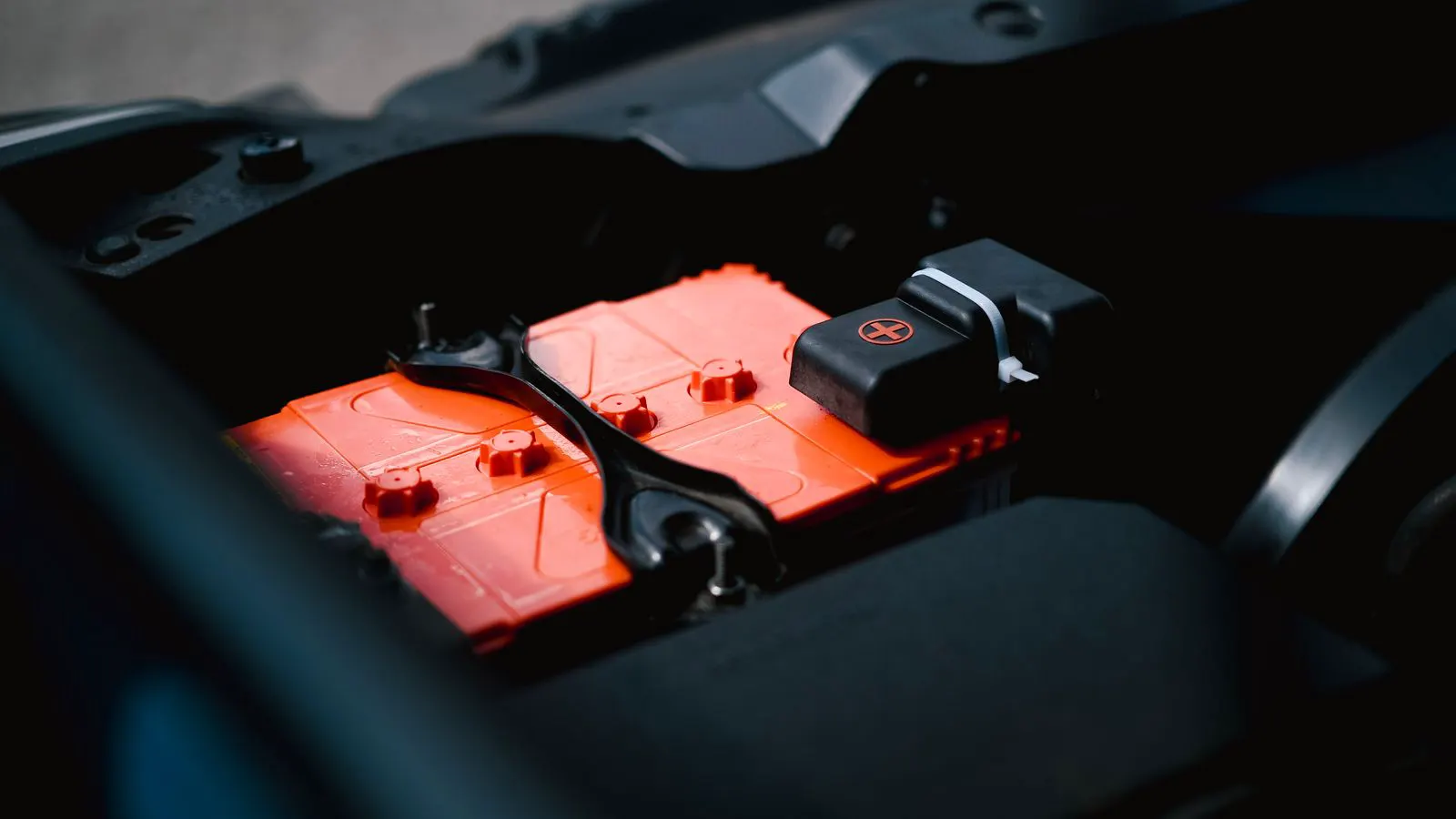
Assessing supplier software support requires verifying firmware update protocols, API access, and data ownership. Buyers must confirm the vendor can patch security flaws and optimize performance without forcing hardware replacement.
- Verify the vendor's firmware update schedule and security patching policy before signing a supply agreement.
- Insist on owning the system data and maintaining API access to prevent vendor lock-in during maintenance.
- Test the supplier's technical support response time with a live query during the qualification process.
- Confirm the software is compatible with your grid interconnection requirements and inverter brand.
- Check for third-party certification to ensure the software meets safety and performance standards.
Why software outlives hardware
Battery packs degrade. Inverters fail. The software that manages the system runs continuously for the entire project life. A supplier can deliver a high-quality battery pack today, but the system’s value depends on what happens in year five, ten, or fifteen. The control logic must adapt to new grid codes. It must handle thermal events. It must patch vulnerabilities. If the vendor disappears or stops supporting the software, the system becomes a black box.
Buyers often treat software as an afterthought. They focus on cycle life, energy density, and warranty terms. Software is the layer that turns hardware into a revenue-generating asset.
Before you evaluate a supplier, gather these items:
- The project interconnection agreement and local grid code requirements.
- Your inverter manufacturer’s specifications.
- Your internal IT and cybersecurity security standards.
- A draft of your operations and maintenance plan.
- A list of potential monitoring and third-party integration platforms.
These documents define what the software must actually do.
Step 1: Map the software architecture
Ask the supplier to draw the system architecture. You need to see every layer. The battery management system handles cell balancing and thermal monitoring. The power electronics controller manages charge and discharge limits. The energy management system talks to the grid and the inverter. The user interface displays data and sends commands.
The reason for this step is to identify where the vendor holds exclusive control. If one company owns all four layers, you have a single point of failure. If the architecture is modular, you can replace one part without scrapping the whole system.
Look for open communication protocols. Modbus, IEC 61850, or MQTT are standard choices. If the vendor uses a proprietary binary protocol that cannot be documented, you are locked into their ecosystem.
Step 2: Audit the firmware update process
Firmware updates are how the supplier fixes bugs and improves performance. Ask how updates are delivered. Do they come via a USB drive? A network connection? A cloud service? The method matters for your site security.
The reason for this step is to prevent operational downtime. A poorly designed update process can brick a controller. A cloud-dependent update can fail if your site has no internet access.
Ask for a sample update log. It should show version numbers, release dates, and a change log. If the log says “bug fixes only” with no details, the supplier is hiding what changed. You need to know if a new version changes the charge curve or alters the safety margins.
Step 3: Check the security patching policy
Software has vulnerabilities. If the vendor does not patch them, your grid connection is at risk. Cybersecurity is not optional. Grid operators require specific security standards for distributed energy resources.
The reason for this step is to protect your site from unauthorized access. A compromised battery system can be used to steal energy or cause grid instability.
Ask the vendor for their security certification. Look for ISO 27001 or IEC 62443. These standards define how software is designed and tested for security. If they do not have them, ask how they protect their systems. If they cannot answer, walk away.
A good supplier will provide a vulnerability disclosure process. They will tell you how to report a bug and how long they will take to fix it.
Step 4: Verify data ownership and export
Your data is your asset. It shows how the battery performs, how much energy it generates, and how it behaves during peak demand. If the vendor owns the data, you cannot use it to prove performance to your insurance company or your grid operator.
The reason for this step is to maintain control over your business records. You need the data to calculate your return on investment and to comply with environmental regulations.
Ask for a data export format. CSV or JSON files are standard. If the vendor only allows data to be viewed on their website, you are dependent on their server. If their server goes down, your records go down.
Also, ask about data retention. How long do they keep your data? Do they delete it after a certain period? You need your own backup.
Step 5: Test the API access
The application programming interface is the bridge between your software and the vendor’s system. It allows you to pull data into your own dashboards or control systems.
The reason for this step is to avoid vendor lock-in. If you cannot access the data via API, you are stuck with the vendor’s interface. You cannot build your own monitoring tools. You cannot integrate with your existing building management system.
Ask for a developer portal. A professional vendor will have one. It should include documentation, API keys, and a sandbox environment for testing. If they do not have a developer portal, ask why.
Run a simple test. Pull the state of charge and power output into your own script. If it fails, the API is not usable. Do not take the vendor’s word that it works. Test it yourself.
Step 6: Review the support contract
The support contract defines what happens when the system breaks. It covers the cost of labor, parts, and downtime. It also covers the time to repair.
The reason for this step is to guarantee availability. A battery system that is offline for three days is not generating revenue. You need a service level agreement that defines response time and repair time.
Look for these terms:
| Clause | What to Check | Risk if Missing |
|---|---|---|
| Response Time | Hours to acknowledge a fault | System stays offline longer |
| Repair Time | Hours to restore full function | Revenue loss increases |
| Firmware Support | Duration of free updates | Cost spike after warranty |
| Data Access | Right to export logs | No record of performance |
| Exit Strategy | Process to transfer data | Locked out of your own system |
A good support contract is specific. It lists the exact parts that are covered. It defines what happens if a part is discontinued. It guarantees that the vendor will provide a compatible replacement.
Step 7: Check for third-party validation
Do not rely on the vendor’s own test results. Independent testing proves the software works as claimed. Look for certification from a recognized testing laboratory.
The reason for this step is to verify performance. A vendor can claim their software maximizes yield. A third party can prove it.
Ask for test reports that cover edge cases. What happens if a cell fails? What happens if the inverter trips? What happens if the grid frequency drops below the limit? The software must handle these events safely.
Also, check if other operators use the same software. If the software is new, there may be no track record. If it has been used in similar projects, ask for a reference. Call the reference. Ask them about the support experience.
Common mistakes in supplier selection
Buyers make several errors that lead to problems later.
First, they ignore the software. They sign the supply contract based on hardware specs. They do not ask about firmware updates or API access. When the system goes live, they find out they cannot control the battery without the vendor’s help.
Second, they do not test the interface. They trust the vendor’s demo. They do not run their own scripts. When the system goes live, the API is broken. The vendor says it will be fixed in the next version. The next version is three months away.
Third, they do not negotiate the exit strategy. They assume they can leave the vendor later. They do not have the data. They do not have the API keys. They cannot transfer the system to another provider.
Finally, they underestimate the cost of support. They think the warranty covers everything. It does not. After the warranty expires, they pay full price for labor and parts. If the vendor raises prices, the system becomes unprofitable.
Final verification step
Before you sign the contract, run a final verification.
Gather the vendor’s responses to all your questions. Put them in a table. Check each item against your project requirements.
- Does the firmware update process meet your security standards?
- Is the API documented and tested?
- Is the data export format usable?
- Is the support contract specific and enforceable?
- Is there third-party validation of the software?
If any answer is no, do not sign. Ask the vendor to fix the issue. If they cannot fix it, find another supplier.
A supplier that cannot support the software is not a supplier. They are a source of risk. Your system needs a partner who will maintain the software for the life of the battery.
Frequently asked questions
How often should a supplier release firmware updates?
There is no single standard. Security patches may be released immediately. Performance updates may be scheduled quarterly or annually. Ask the supplier for their release schedule during the evaluation phase.
Can I use a third-party inverter with the supplier's software?
It depends on the interface. If the supplier provides a standard protocol, you can use a third-party inverter. If they use a proprietary link, you are limited to their hardware. Check the API documentation before buying.
What happens if the supplier goes out of business?
You lose access to updates and support. You must own the data and have the API documentation. Without these, the system may become inoperable. Check the contract for an exit strategy.
Is cloud-based software better than local software?
Cloud software is easier to manage but requires internet. Local software works without internet but needs on-site access. Choose based on your site connectivity and security requirements.
How do I verify the supplier's security claims?
Ask for certification numbers and test reports. Verify them with the issuing body. Do not trust marketing materials. Look for independent audit results.